 UnitySteps
Everything that makes a lap matter.
Explore participant screens and organizer tools, from automatic counting to shared milestones.
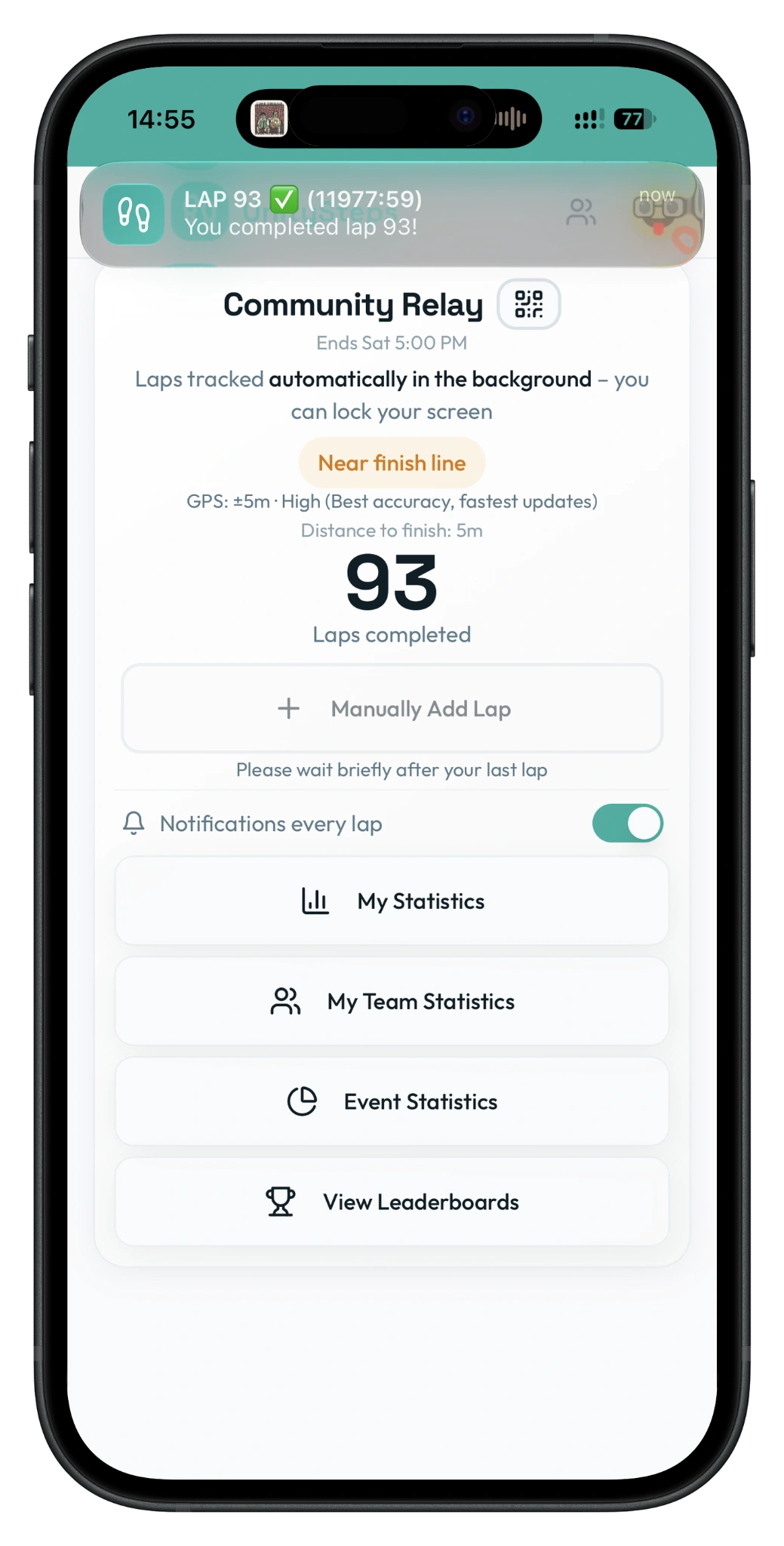
Automatic GPS lap counting
Your participants focus on walking or running. UnitySteps detects crossings of your configured finish line while the app is operating, including when the screen is locked. GPS conditions and device settings matter.
See how it works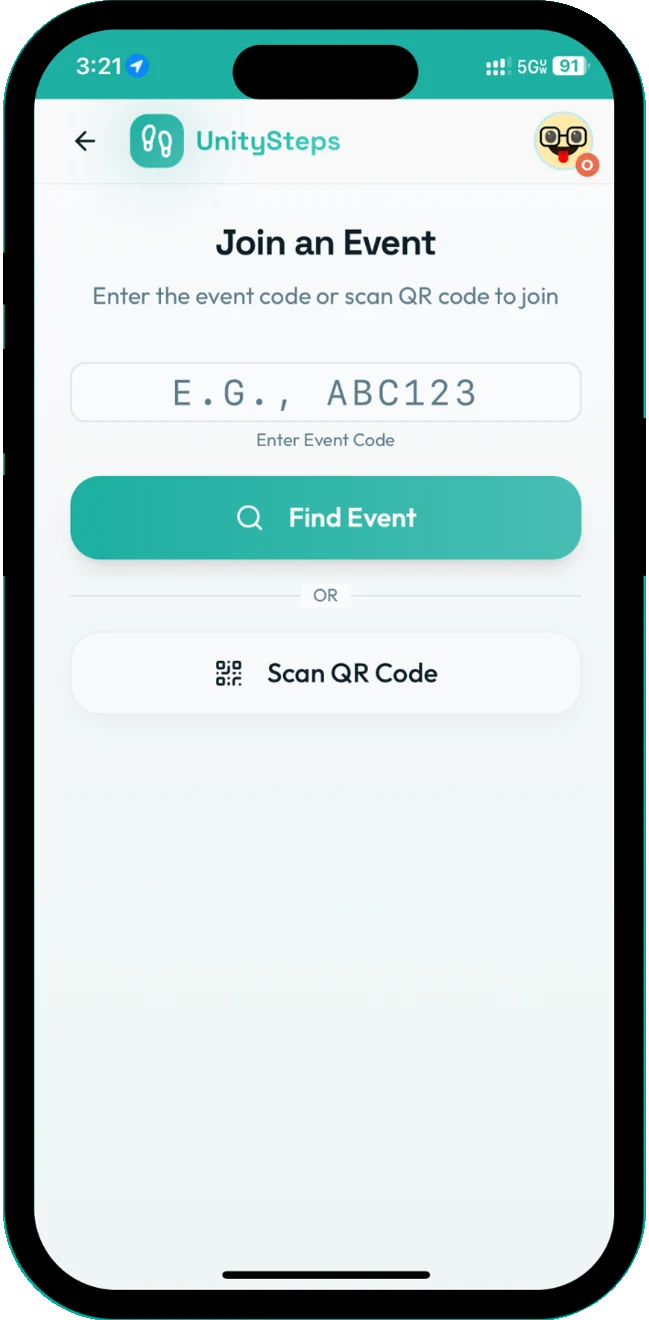
Fast event joining
Participants can enter a short event code or scan a QR code. Organizers can share generated instruction cards ahead of the event.
See how it works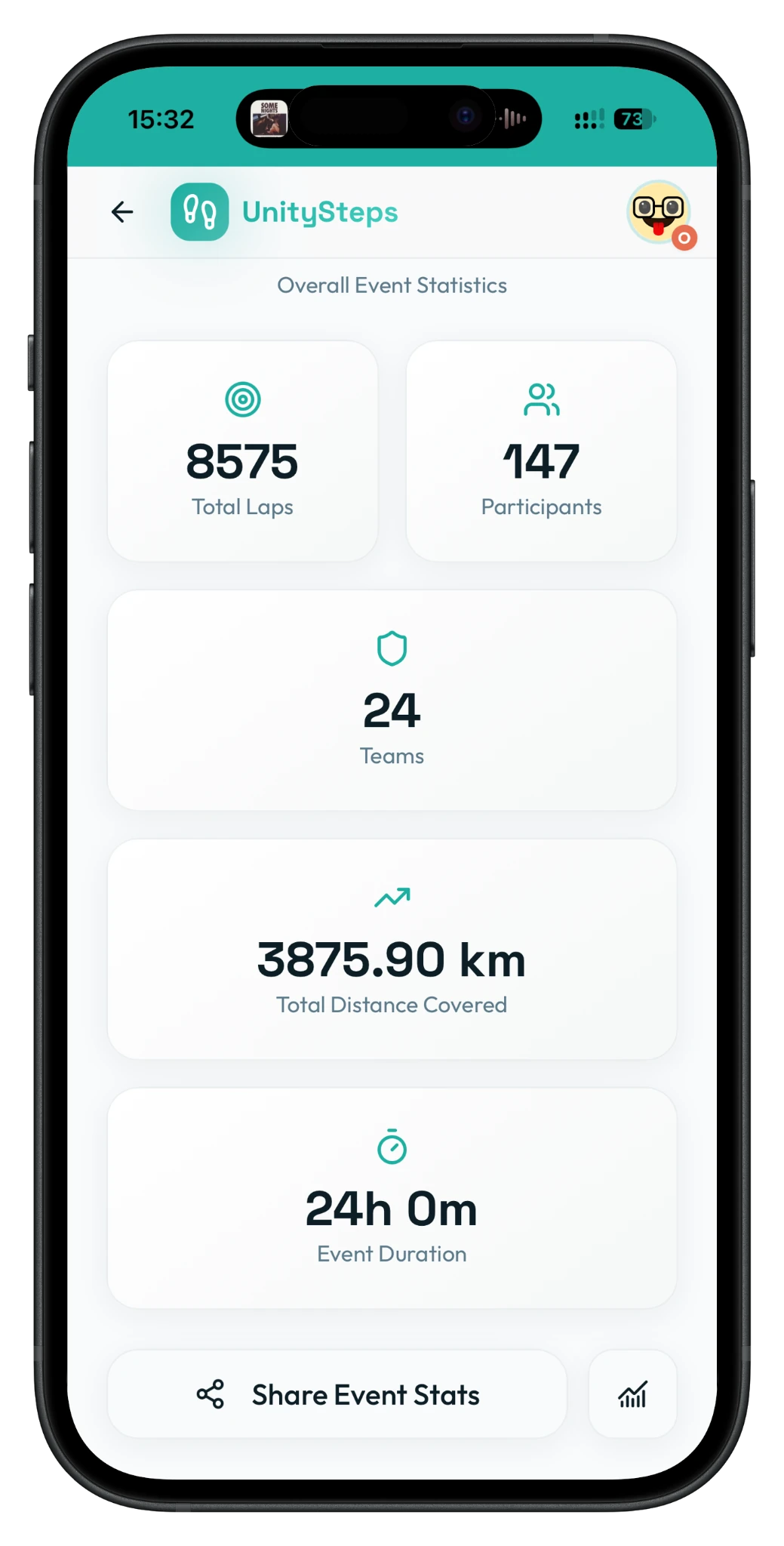
Individual and team progress
Participants can see their own statistics, optional team totals and collective event results. Friendly competition is optional, not the only reason to join.
See how it works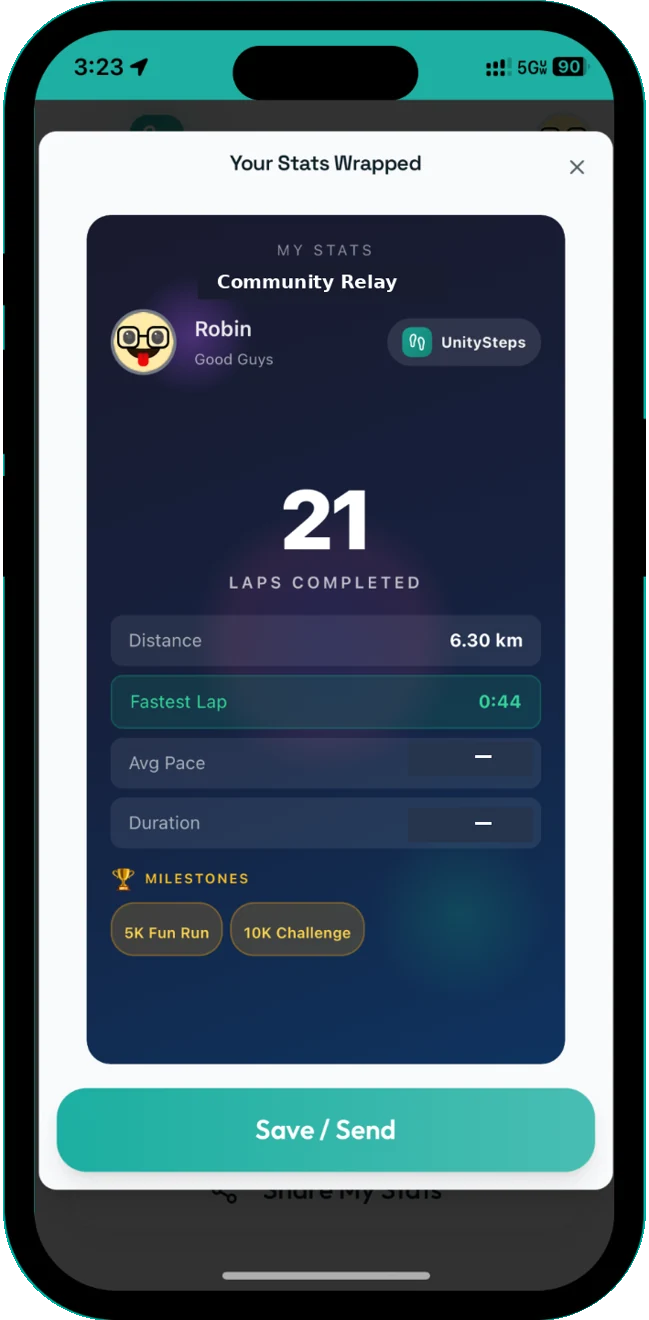
Milestones and shareable stats
Set individual, team and event milestones. Participants can receive notifications and share their personal statistics cards if they choose.
See how it works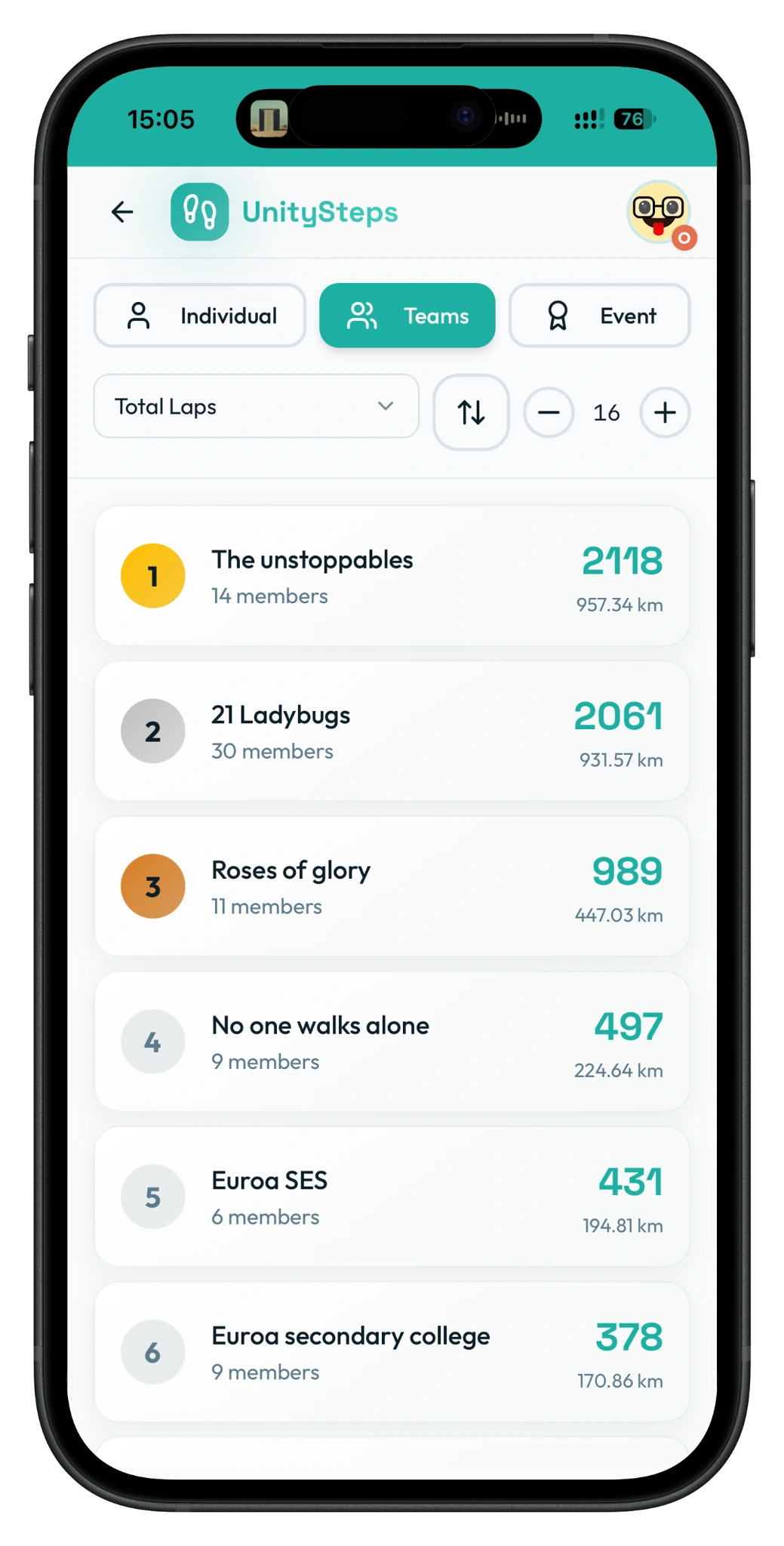
Leaderboards and LiveDisplay
Show results in the app or on a large screen through a web browser. Organizers can disable or password-protect leaderboards.
See how it works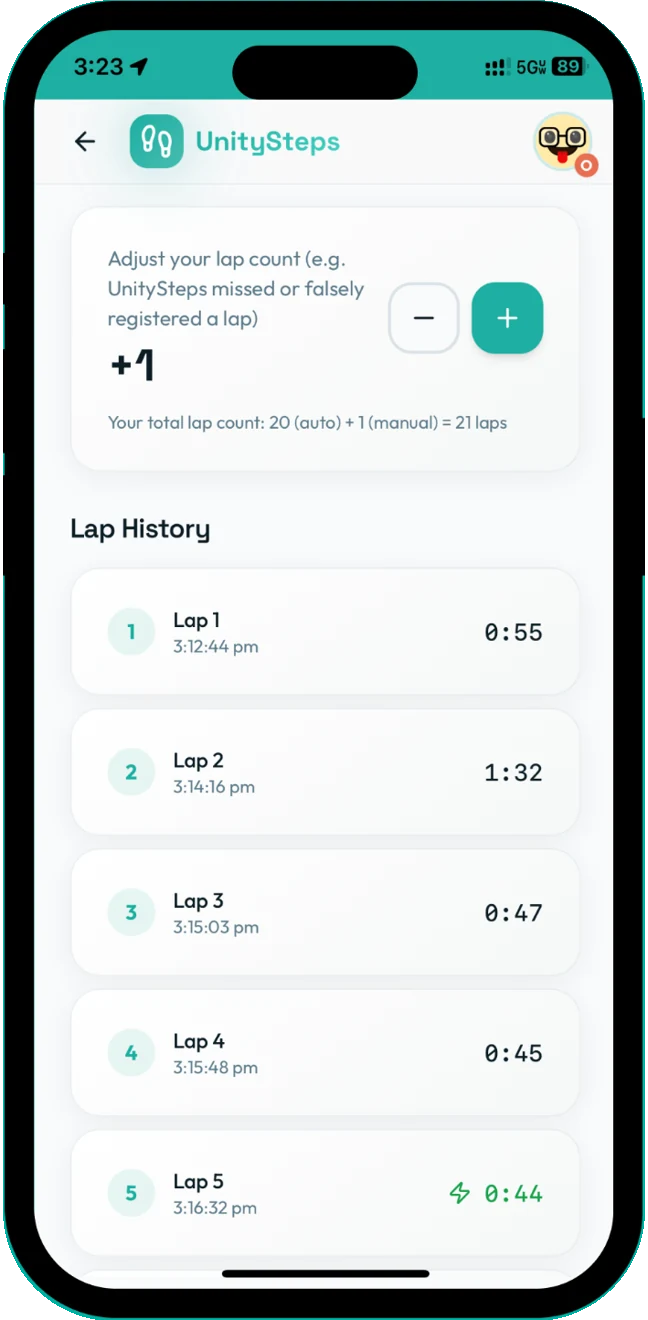
Manual lap corrections
Participants can correct their own totals if allowed. Organizers can add or adjust laps for individuals or teams, including contributions from people without a phone.
See how it works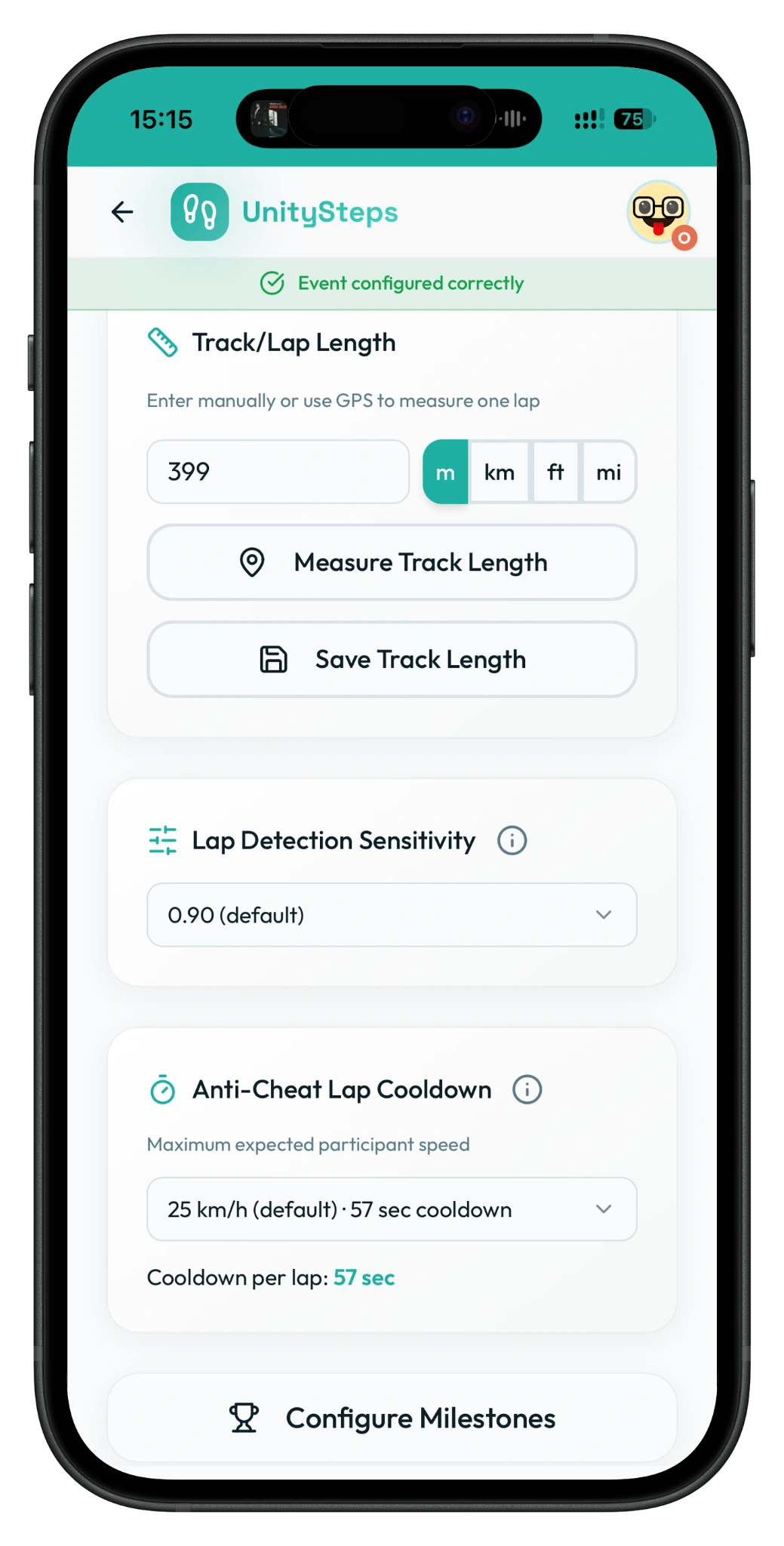
Your event, your settings
Configure the course, optional teams, milestones, notifications, units and event rules. Message participants and export event data to a spreadsheet.
See how it works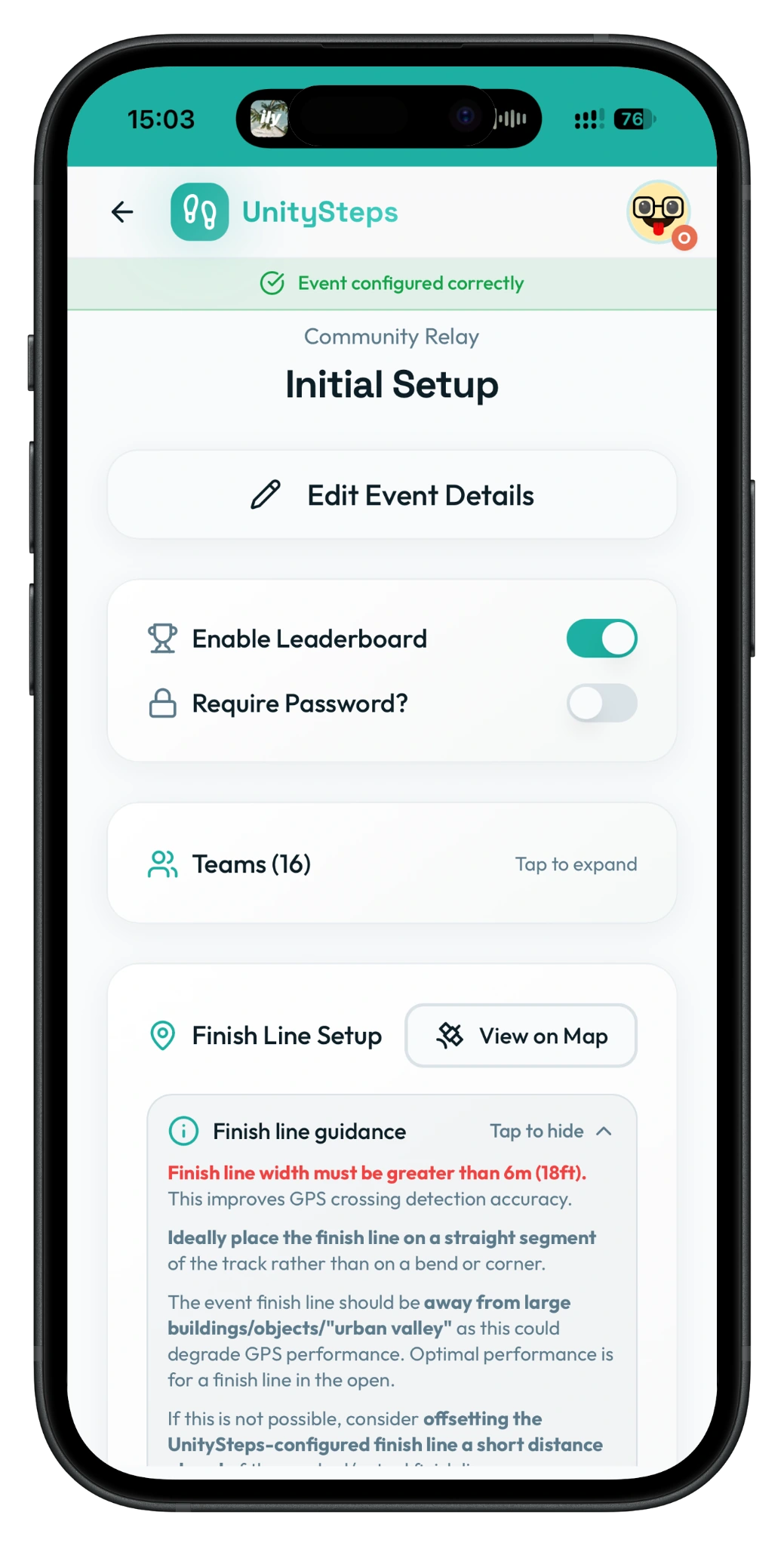
Finish-line setup and course measurement
Define a virtual line with a satellite-map view and use the app’s validation feedback. Enter the track length or measure it in the app.
See how it worksAvailable on iOS and Android.
Download UnitySteps from the official app stores. Contact us if you would like to discuss your event.
Designed for participation. GPS detection depends on the device and course. Test your event in advance, and use manual corrections when appropriate.
Ready for your next event?
Test UnitySteps on your own course for free before committing to a paid event.