 UnitySteps
Every Step Counts.
Your walkathon companion - track laps, unite teams.
Automatically track laps at walkathons, relays and fundraisers. Spend less time counting and more time celebrating what your community achieves together.
$100 USD per event · Free for participants · Try it free
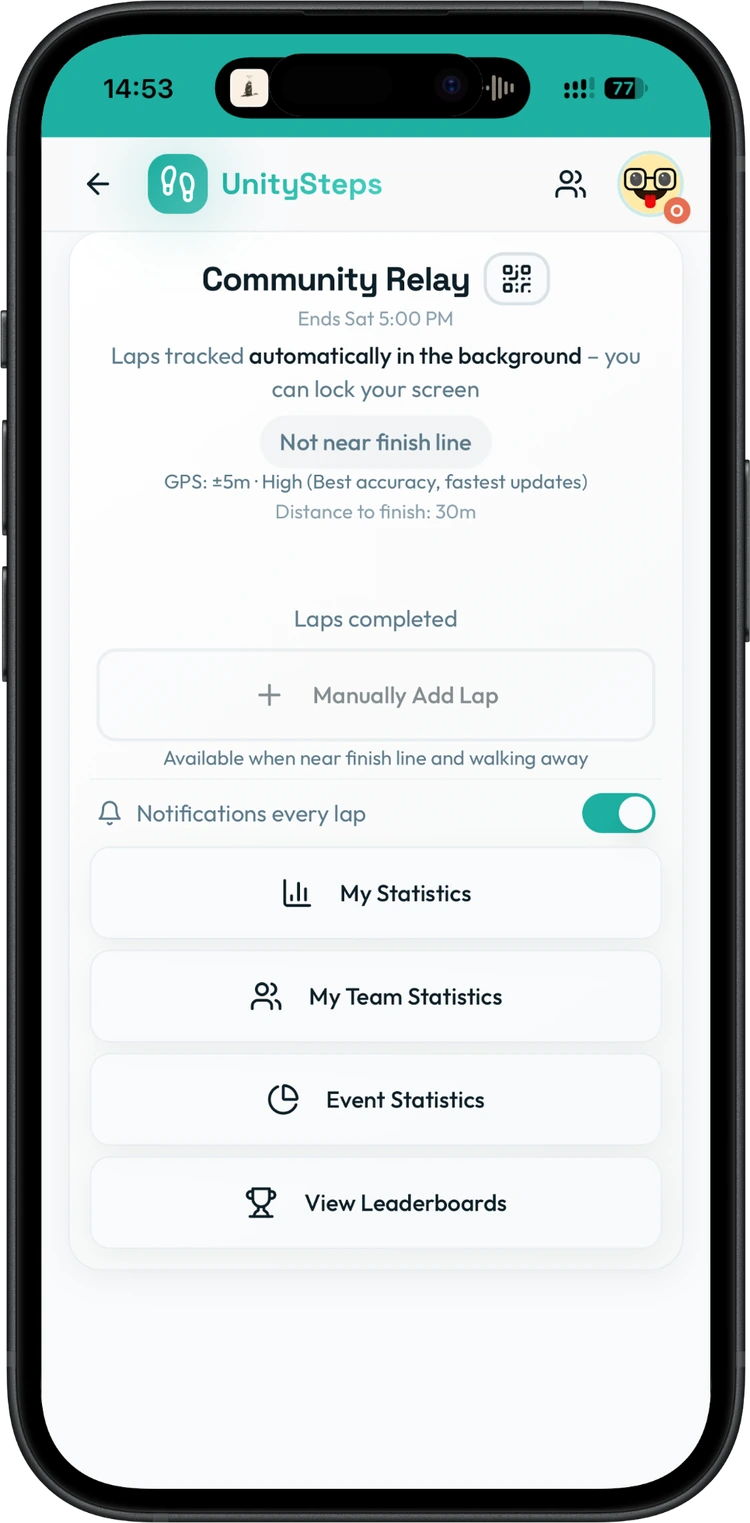
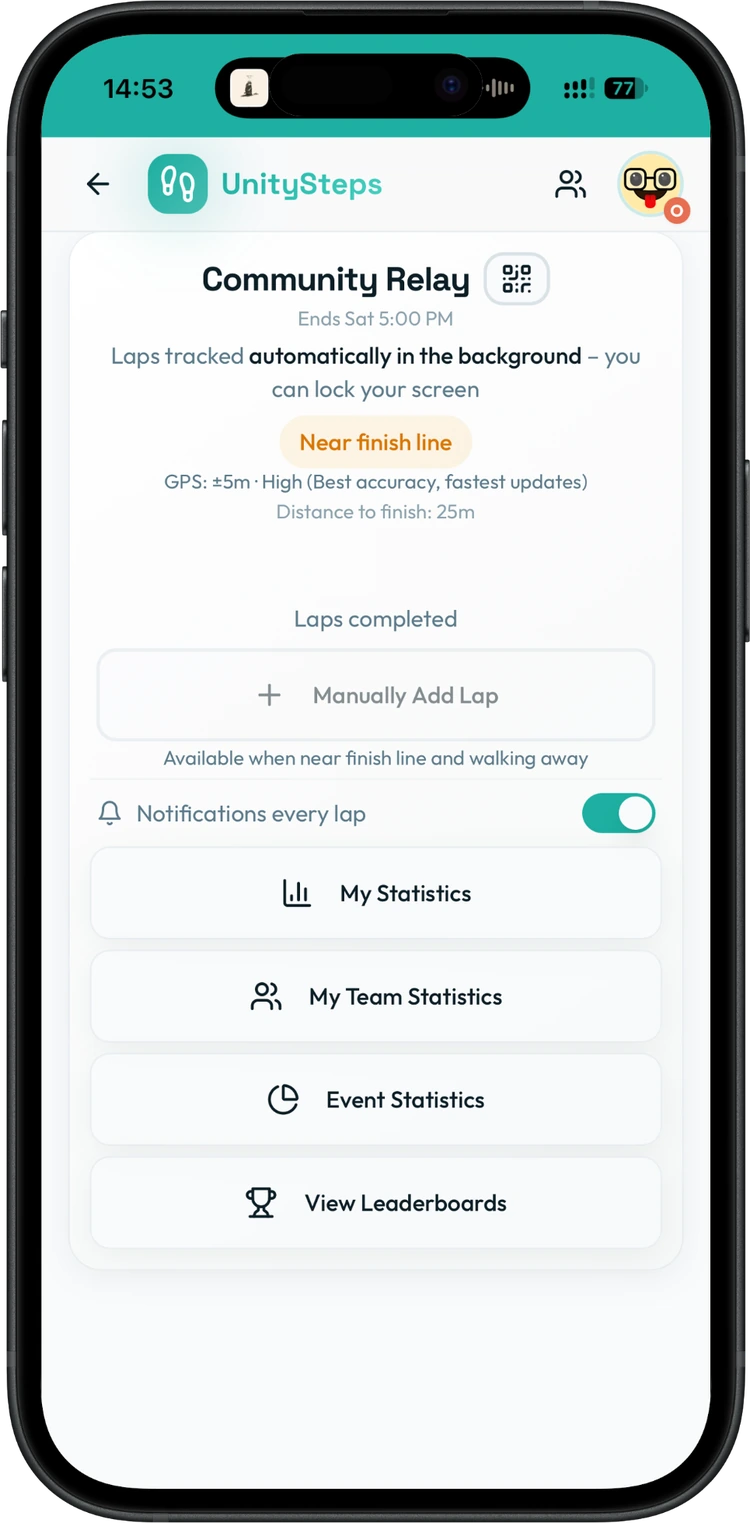
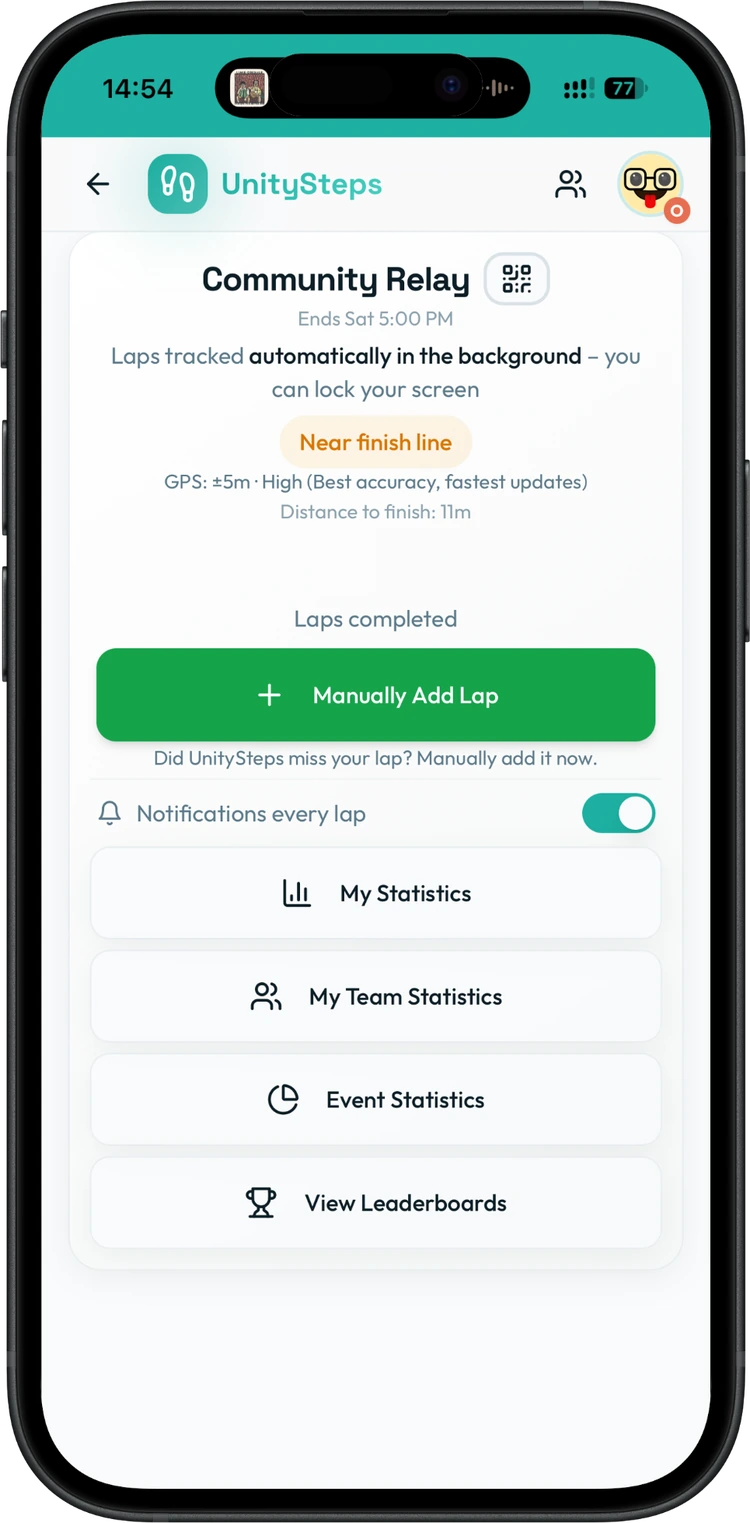
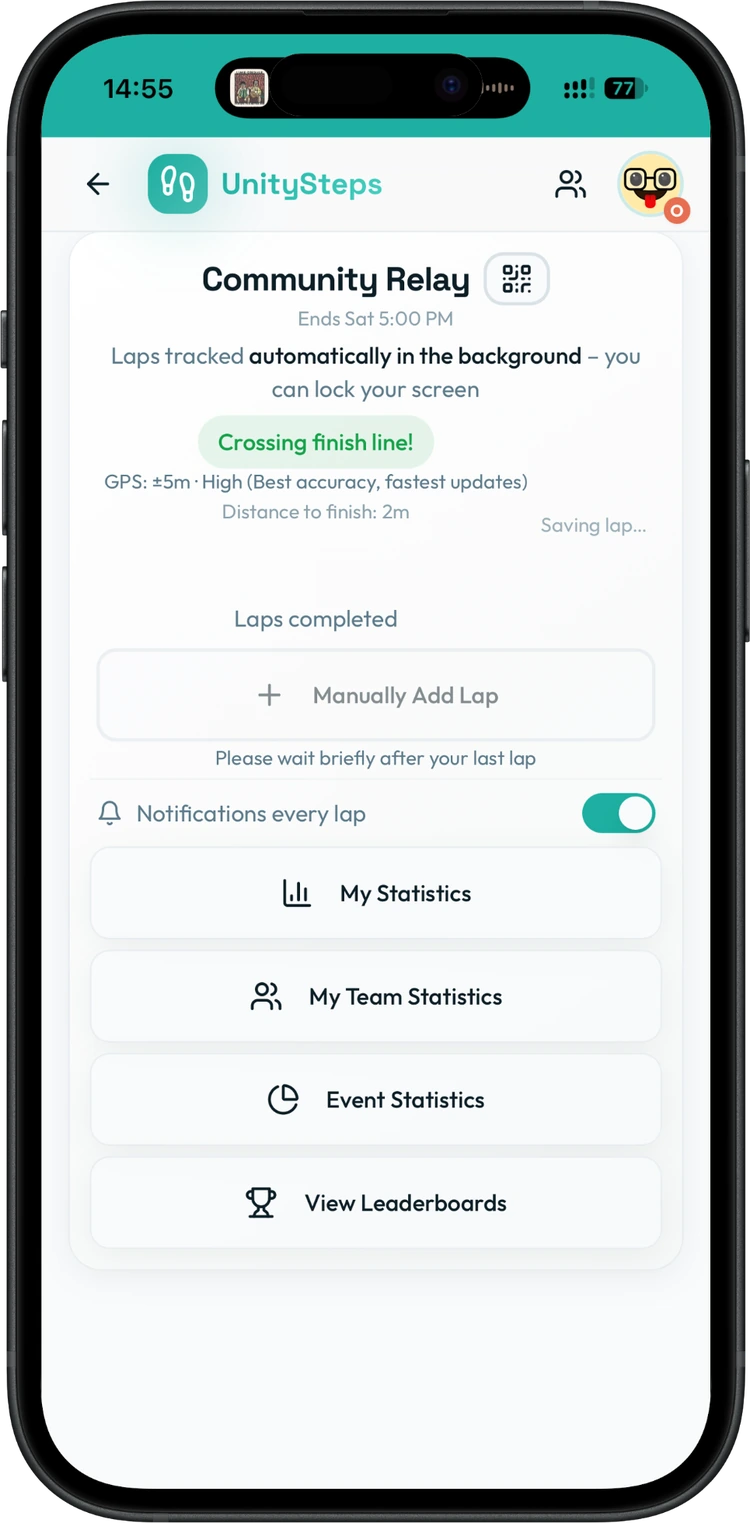
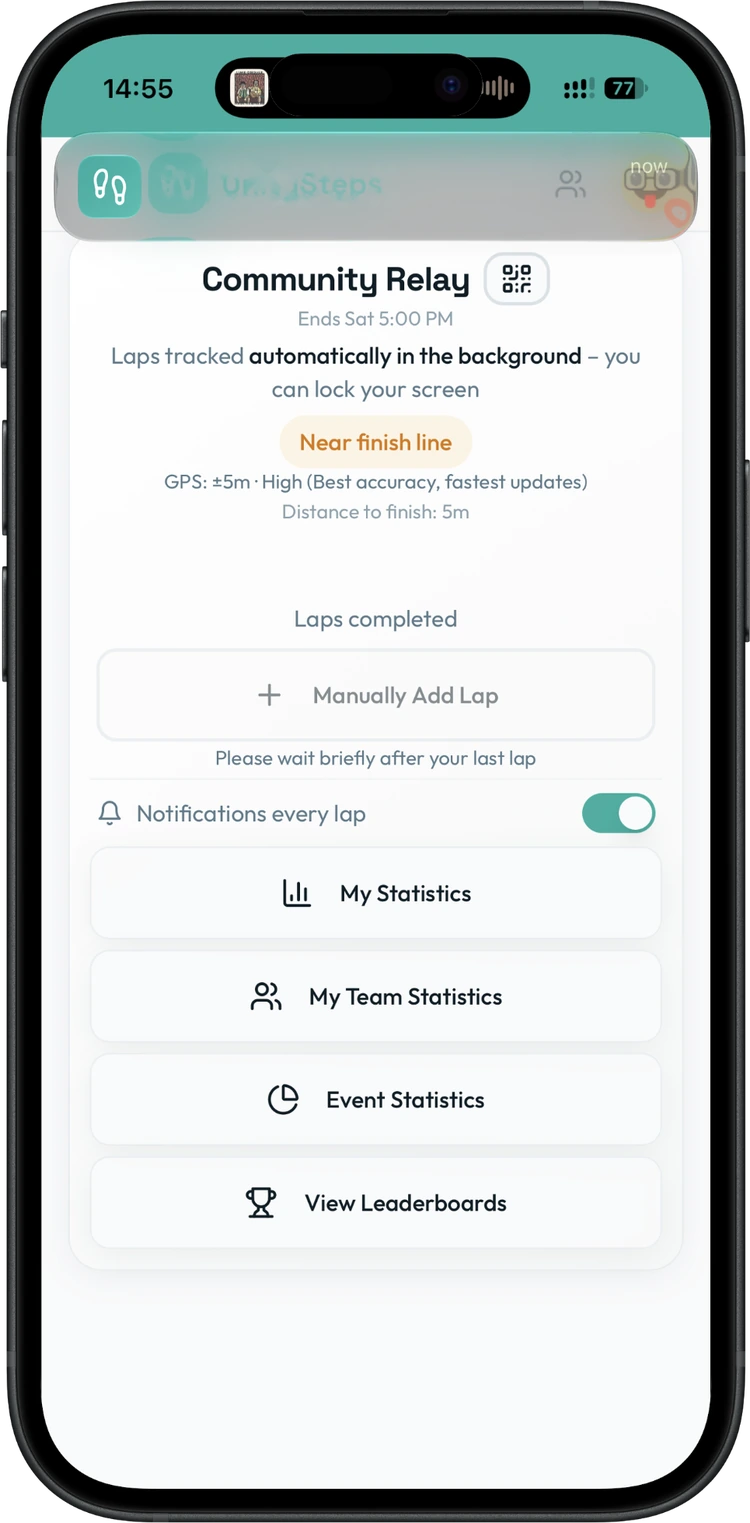
Follow the participant around a 400 m track.
Video provided by YouTube. Internet connection required.
Less counting.
More celebrating.
Your participants bring their phones. UnitySteps brings the tracking.
From a simple event code to an automatically counted lap, discover how the app makes individual contributions part of a shared achievement.
- Try it on your course before paying
- No RFID tags or dedicated barcode scanning stations
- Live totals, milestones and large-screen displays
Leave the counting station behind.
Manual tallying and scanning can demand volunteers and equipment. UnitySteps uses supported smartphones and a virtual finish line instead.
| Method | What you need | Event-day considerations |
|---|---|---|
| Manual tally / beads | Paper, tokens or whiteboards | Volunteers count and consolidate totals. |
| Barcode scanning | Printed codes and scanners | A deliberate scan at a checkpoint; plan for staffing and flow. |
| RFID / chip timing | Tags, reader equipment or a timing service | Can be well suited to high-precision timing; equipment and setup costs vary. |
| UnitySteps | Participants’ supported phones | GPS lap detection, live totals and correction options. $100 per event. |
Different events need different methods. UnitySteps tracks participation; it is not a professional precision race-timing system. GPS and device conditions can affect detection.
Compare pricing and inclusionsFour steps. One shared achievement.
Set up the course
Create an event, define the virtual finish line, enter or measure the track length and test the setup.
Get everyone connected
Share the generated joining instructions. Participants download the free app, enter the event code or scan the QR code, and select a team if used.
Walk. Run. Count.
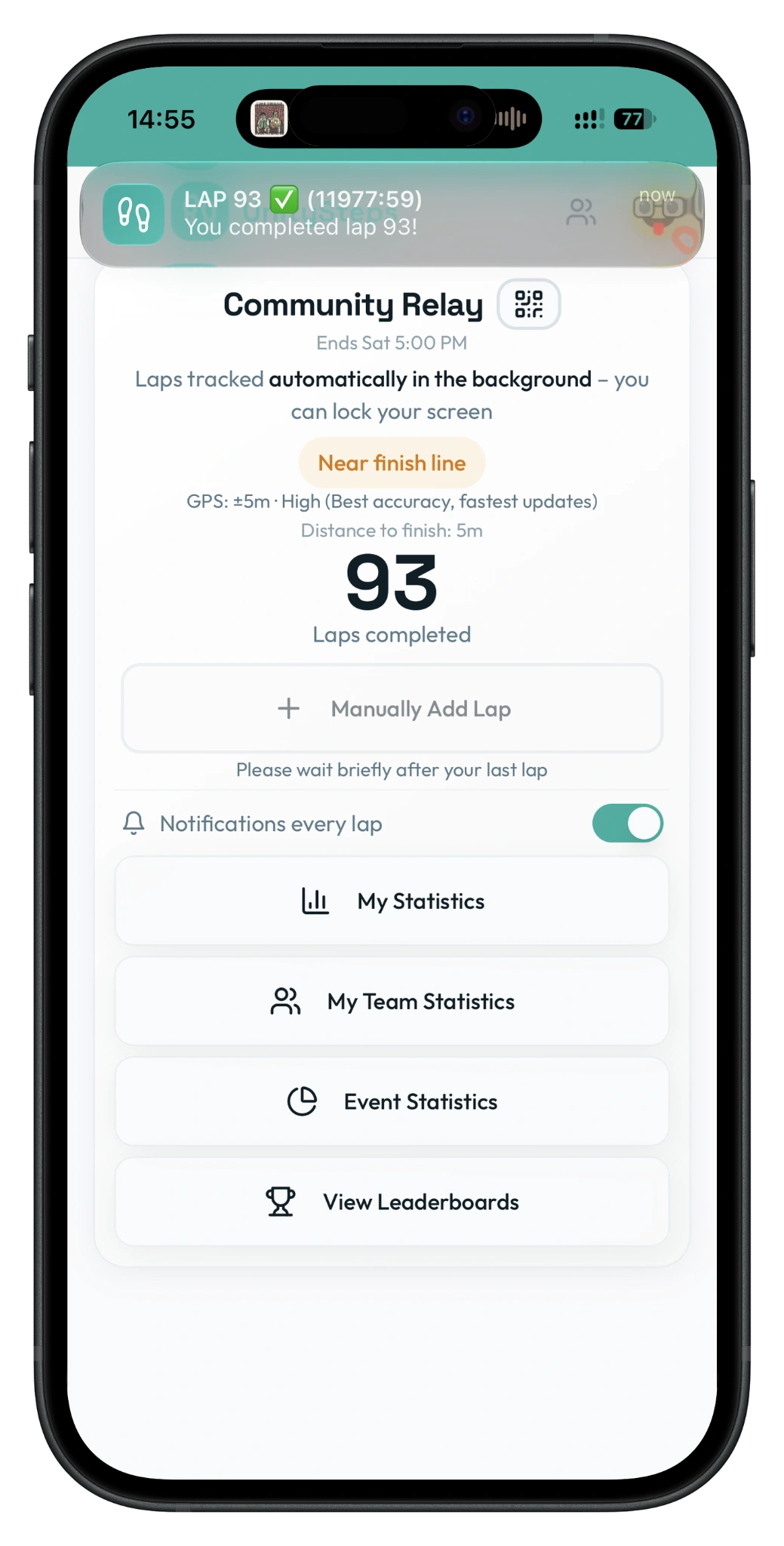
While the app is running, GPS detects finish-line crossings and records completed laps. The screen can be locked; do not force-close the app.
Celebrate the total
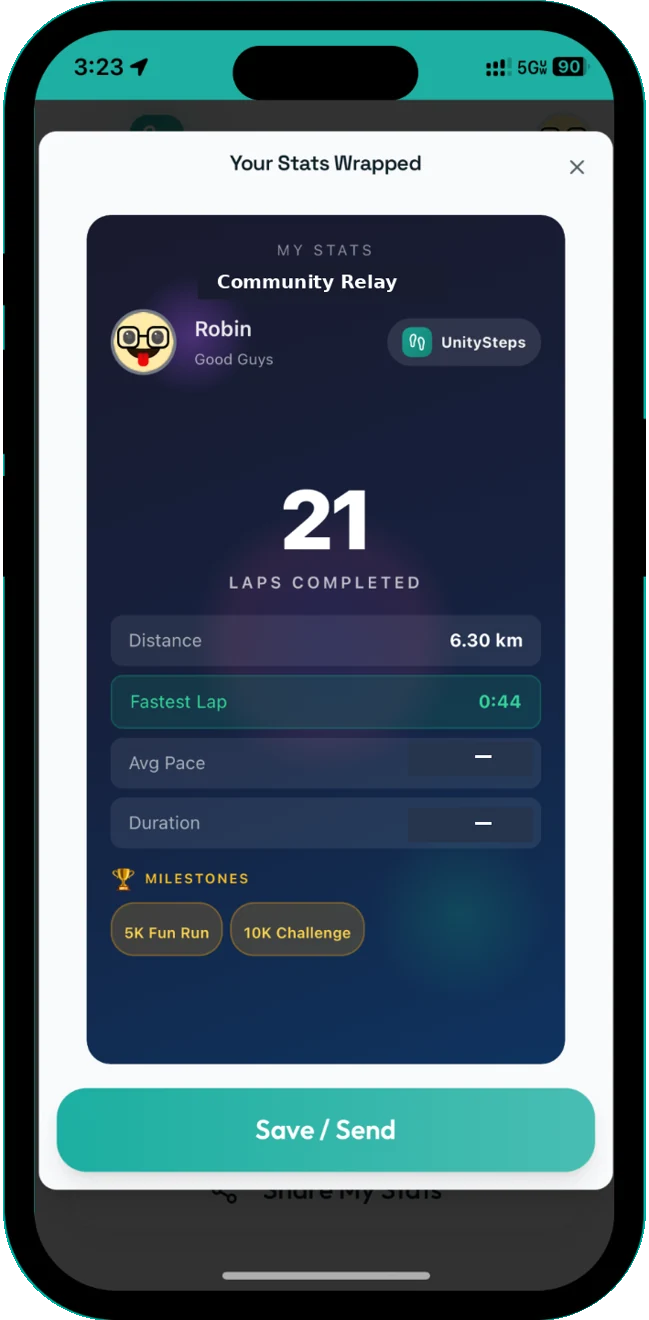
Watch individual, team and event progress grow. Display live results on a large screen, award milestones and export data after the event.
Small steps. Big shared goals.
Give every participant a reason to keep going.
Individual and team totals
See your own laps and contribute to an optional team and event-wide tally.
Milestones worth celebrating
Create achievements for individuals, teams and the entire event.
Live results on the big screen
Bring the finish line to life with leaderboards and LiveDisplay.
Corrections when needed
Handle missed laps or team contributions using available manual entries.
Different causes. Same shared effort.
For any community event where people walk or run repeated laps of a defined course.
Relay fundraisers
From the first lap to the final hours, make every team’s contribution visible. UnitySteps helps long-duration relay organizers track participation without a dedicated RFID or barcode station.
Explore use caseSchool walkathons
Give students, families and volunteers a clearer way to celebrate their effort. Track laps and group achievements without turning the entire event into a manual counting exercise.
Explore use caseCharity walkathons
When hundreds of small contributions add up, the result deserves to be seen. UnitySteps turns repeated laps into visible progress at your charity walk or community fundraiser.
Explore use caseA small price for a big event.
No participant fees or dedicated timing hardware required by UnitySteps. Test the app first.
For organizers
One event. All features. No separate participant charge.
- Unlimited participants under the paid event terms
- GPS lap tracking and manual corrections
- Live displays, leaderboards and milestones
- Organizer settings, messaging and data export
Free organizer trial
See how UnitySteps works on your actual course with up to 2 participants.
- Create a free event in the app
- Test the finish line and GPS detection
- Upgrade that event when you are ready
- Participants always download and use the app for free
Good to know.
Can an event organizer run an event for free?
Yes. Create a free event with up to two participants in the app. Test it on your own course and upgrade to a paid event when you are ready.
Do all participants need their own device to participate?
No. Participants do not each need their own phone. Family profiles allow a child to use their parent or guardian’s registered UnitySteps account and email address, while recording laps in the child’s own name. This allows family members to share a phone during an event, switching to the appropriate profile when taking turns. Automatic tracking requires a supported phone with the app running for the participant being tracked. Organizers can also manually add laps for individuals or teams, including people without phones who count their laps using beads or another method.
Does the app need to stay open to record laps?
The app needs to run, but it can run in the background. Participants can lock their screens and tracking continues. Closing the app stops its functionality.
What if UnitySteps fails to record my lap?
Participants can enter manual corrections if the organizer has enabled them.
How long does event setup take?
Allow approximately 20 minutes. Defining the finish line can take a couple of attempts if its placement is suboptimal.
Ready for your next event?
Test UnitySteps on your own course for free before committing to a paid event.